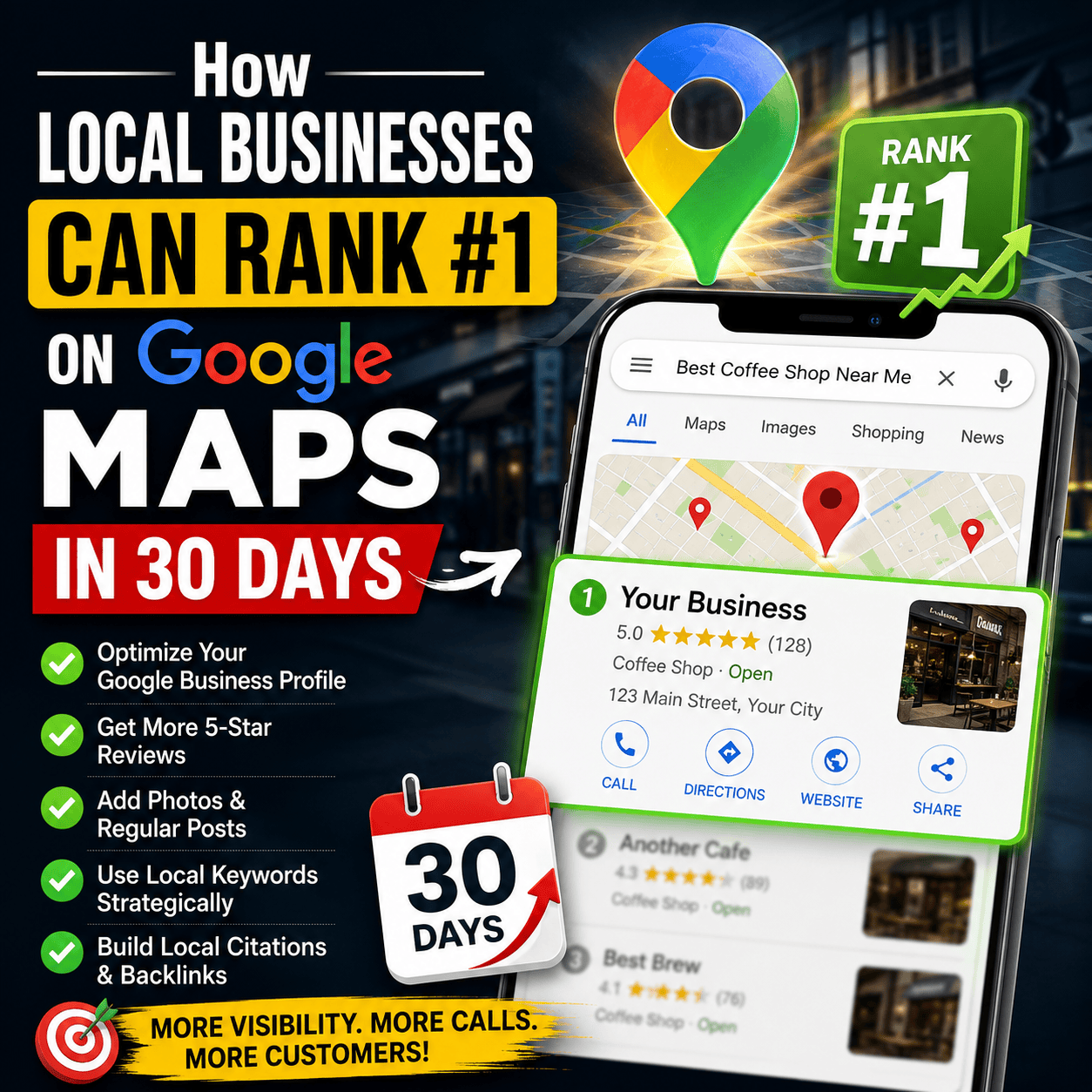
How Local Businesses Can Rank #1 on Google Maps in 30 Days When someone searches for a local service, Google shows three map listings right at the top of the page. This is called the “Google Map Pack.” How Local Businesses Can Rank #1 on Google Maps in 30 Days
Getting your business into those top 3 spots brings in steady calls and website visitors. The best part? You do not need a huge budget to get there. You just need a clear 30-day plan.
How Local Businesses Can Rank #1 on Google Maps in 30 Days Here is a step-by-step guide written in simple words to help your local business rank higher on Google Maps.
Week 1: Fix and Complete Your Profile
Your Google Business Profile is your online storefront. Google ranks complete profiles much higher than empty ones.
- Pick the Right Category: Tell Google exactly what your business does. Choose a specific main category like “Digital Marketing Agency” or “Italian Restaurant” instead of something vague.
- Fill Out Every Detail: Add your business hours, exact address, website link, and phone number. Write a clear description explaining what services you offer and which local areas you serve.
- Add Real Photos: Upload 10 to 15 real photos of your team, office, or work. Do not use fake stock photos. Profiles with real pictures build trust with both Google and your customers. https://en.wikipedia.org/wiki/Main_Page
Week 2: Keep Your Information Identical Everywhere 
Google checks other websites across the internet to verify that your business is real. It looks at three details known as NAP (Name, Address, and Phone number).
- Check Your Details: Look at your social media pages, local business directories, and website contact page. Make sure your business name, address, and phone number look identical everywhere.
- Fix Small Errors: Even tiny differences hurt your rank. For example, writing “Street” on your website and “St.” on Google Maps confuses search engines. Make them match word-for-word.
Week 3: Build a Simple Review System
Reviews tell Google that your business is active and trusted by real customers. To rank higher, you need a steady stream of new reviews.
- Ask Every Satisfied Customer: Send a quick message via WhatsApp, text, or email after providing a good service. Include a direct link to your Google Maps review page.
- Reply to Every Review: Take a few seconds to reply to every single review you get—both positive and negative. Thank happy customers, and handle complaints politely.
- Use Service Words: Encourage customers to mention the specific service they bought. A review that says “Great web design service in city” helps your rank more than a plain “Great job!”
Week 4: Match Your Website to Google Maps
Google Maps and your website work together. If your website clearly mentions your local area, your Google Maps rank goes up automatically.
- Add Your City to Your Website: Make sure your city or town name appears in your website headline, intro paragraph, and footer.
- Embed Google Maps: Put a small interactive Google Map on your website’s contact page showing your exact location.
- Post Weekly Updates: Use the “Updates” feature inside your Google Business Profile. Post a quick note every week about a new offer, recent work, or a simple tip for your clients.
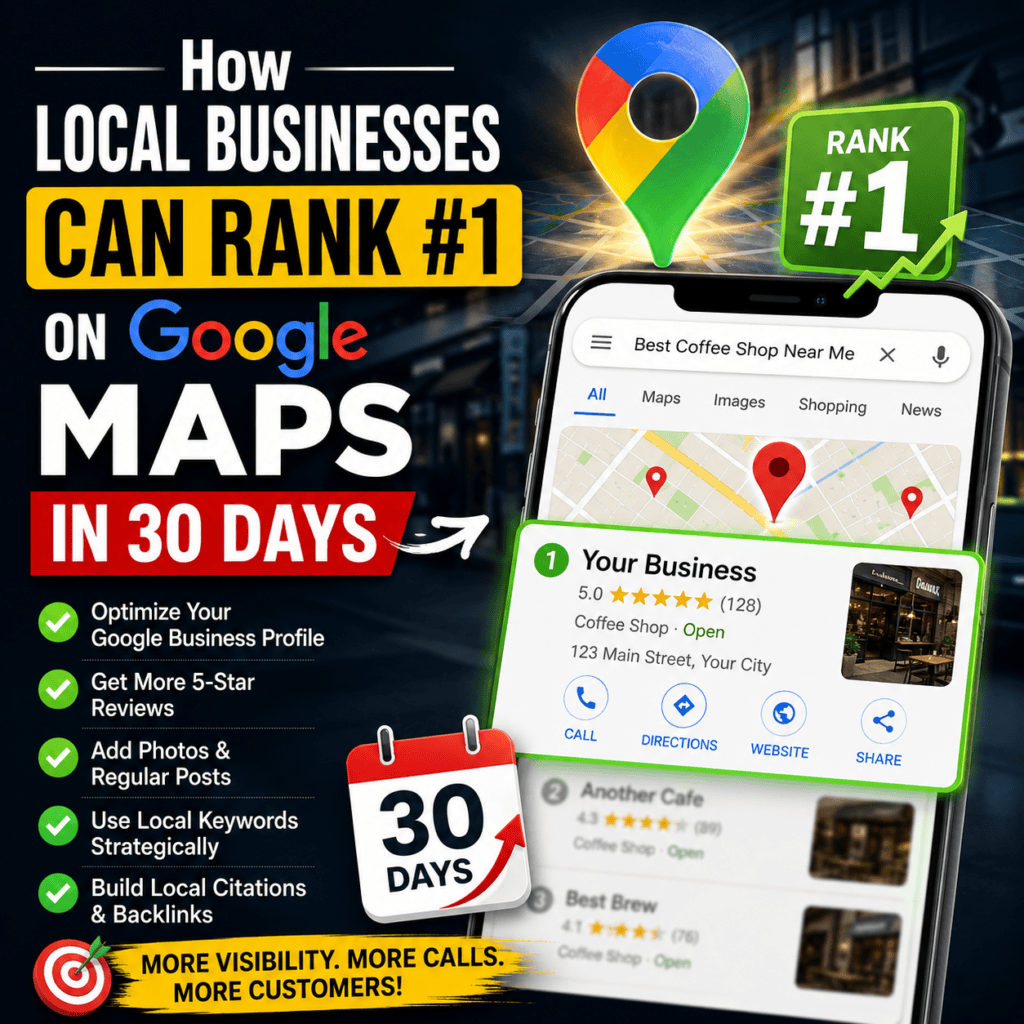
Days How Local Businesses Can Rank #1 on Google Maps in 30 Days
How Local Businesses Can Rank #1 on Google Maps in 30 Days
Local SEO does not happen overnight, but following this simple plan for 30 days puts you ahead of most local competitors who ignore these basics. Home
As you get more reviews, keep your details accurate, and upload new photos regularly, Google will reward your business with higher rankings, more map clicks, and more customer calls.